
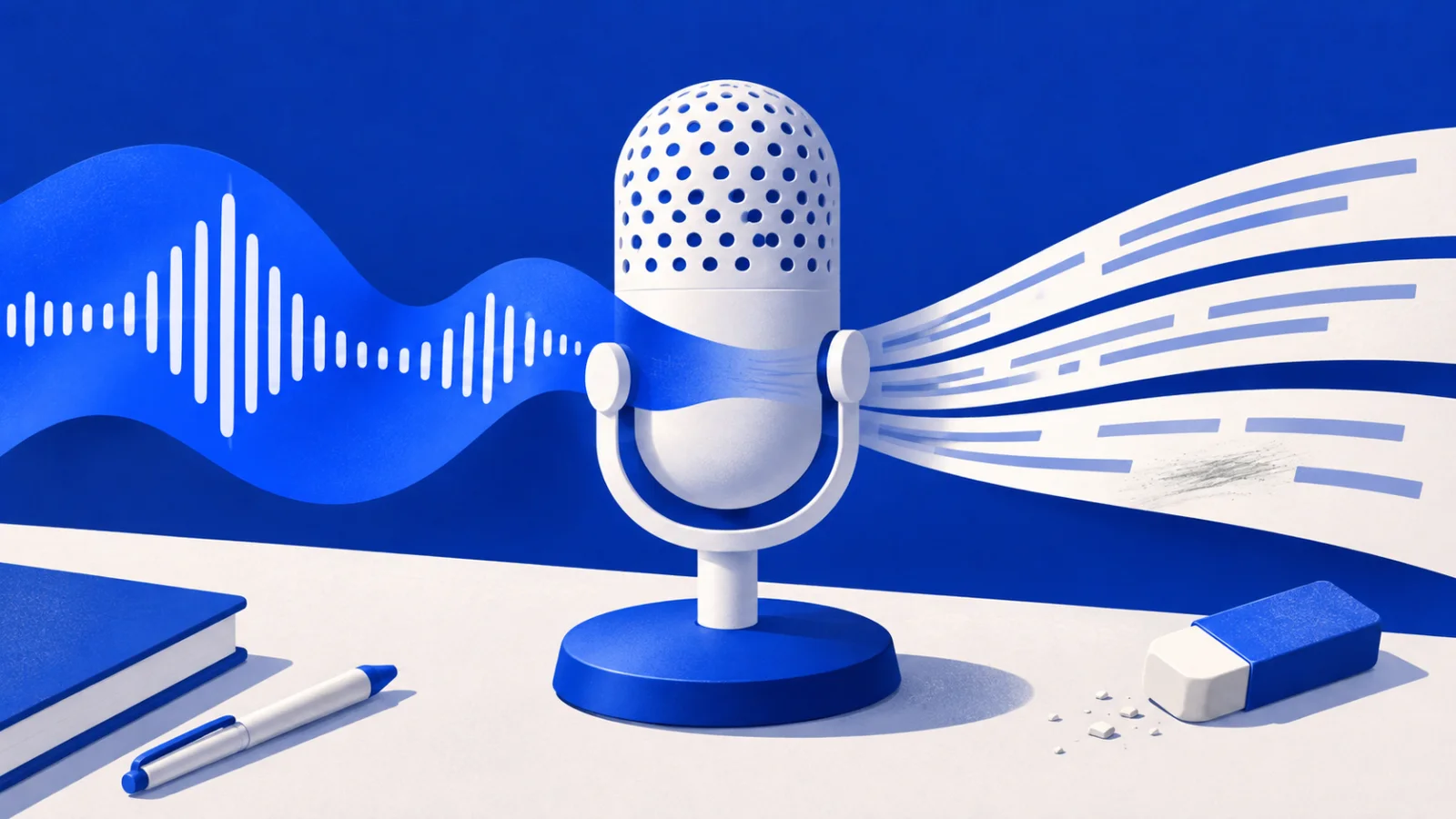
OpenAI announced Live Dictation in ChatGPT on November 18, 2026. Speech can now appear as text during recording, with the waveform providing a control to show or hide that text. The company also removed the ten-minute recording limit. It says the feature is rolling out globally across all plans on iOS, Android, the web and desktop. The announcement changes a small but frequently repeated step in using ChatGPT, composing the message that will be sent. A person can see what the service has heard before finishing an entire recording. ChatGPT release notes
For people who think by speaking, that is a useful place to reduce waiting. The cost of a transcription error is often the time spent finding it after the thought has moved on. Making text visible earlier can bring the mismatch closer to the moment it occurs. The benefit depends on what happens next, whether the speaker can correct the message efficiently and trust what will be sent. A fast transcript has value as an editable first draft. Its practical test is the time needed to turn that draft into the intended request.
What becomes available#
The release concerns the microphone used to dictate a message. OpenAI’s dictation guidance describes audio being sent to its models for transcription and the resulting text being editable before it is sent as a user message. The November update adds the live text display and removes the recording cap. The public announcement gives no new named transcription model, latency measurement or error-rate breakdown by language. The concrete change to assess is therefore the input experience on the device and account being used. OpenAI’s dictation guidance
That makes a difference to someone leaving a long request in the composer. They might describe a bug, read out an address or talk through a document before sending a single message. The visible draft can help them see a missed sentence and repeat it while the context is still fresh. It can also reveal when the microphone has picked up another person or the wrong input. The user still needs to confirm that the completed text expresses the request. Seeing a stream of plausible words is one signal of progress in the transcription stage.
The report from 9to5Mac on November 18 recorded the same two changes, a streaming display and the removal of the limit. It was published at 10:25 Pacific time, or 02:25 on November 19 in Beijing. That places the feature in the day’s product changes for readers in Asia even though OpenAI’s release note carries the earlier date. An announcement across several clients also leaves room for differences in when it appears on a particular installation. A globally announced rollout can take time to become an ordinary part of each account’s routine. 9to5Mac’s launch coverage
ChatGPT also has a separate Voice experience for a spoken exchange in which the model speaks back. OpenAI’s Voice documentation directs someone who wants to record, review and edit a prompt to Dictation. That distinction helps explain the appeal of live text in the composer. A person may want to speak continuously until a point is complete, then decide what the assistant should receive. A live conversation has its own turn-taking and interruption behaviour. People choosing the microphone in a text field are choosing a step that ends with a message they can inspect. ChatGPT Voice guidance
The change is easiest to understand at the end of that step. Suppose a person speaks for ninety seconds, adds an exception at the end and realises that a number near the beginning was wrong. With the draft visible, they can know whether the earlier number needs attention before asking ChatGPT to act. The result may be a little more time spent examining text during composition and much less spent explaining a bad answer afterwards. That division matters. An assistant cannot reliably infer that a clearly transcribed instruction was an accident just because the speaker meant a different number.
The useful speed is correction speed#
Speech recognition has several delays. The first words can appear quickly while the sentence is still incomplete. The full draft can settle later. A correction can require another pass through the message or an edit using a different input method. A comparison of dictation systems that measures only the first word misses those later steps. For everyday use, a better question is how long a complete thought takes to become a checked message. A small gain repeated across twenty short requests can matter more than a striking improvement on one carefully prepared monologue.
Some errors are easy to catch because they look strange. A product name may become an unfamiliar phrase. Others are harder because the result is ordinary language. A statement about renewing an agreement can become one about cancelling it if an important word is lost. A deadline can appear as a valid but incorrect date. The earliest visible text gives a speaker a chance to notice those differences while still remembering the sentence. It also creates a reason to look at the whole message before sending, especially at the parts that govern what the next step will do.
A person describing a software problem can illustrate the trade-off. They can say what they tried, what appeared on screen and which version they were using. Speech makes it easier to include context that might be omitted when typing is inconvenient. Exact error text, a filename or a short identifier may be more efficiently copied into the same draft. The time saved comes from combining input methods that suit each part of the explanation. A dictation feature inside a text composer is useful precisely because the person can leave a natural spoken draft and then tighten the bits that need exact spelling.
The ability to show or hide the draft also has a purpose. Some speakers find visible text helpful for pacing and correction. Others watch the words and lose the structure of what they were trying to say. They may prefer to finish a thought before reading it. Keeping that choice available means a live system can support both ways of composing. The important state remains whether recording continues, whether the speaker’s latest words have arrived and whether the message is ready to send. Those states need to remain understandable even when a person chooses to stop watching the text.
Pauses have a role in composition too. A person can be silent because the sentence has ended, because they are checking a detail or because they need more time to speak. A useful dictation routine lets the person understand when it is still listening and when there is a completed draft to inspect. The same pause may be natural in one setting and awkward in another. Someone reading an identifier from a document will break their rhythm in a different way from someone telling a story from memory. Measuring both examples can reveal whether the new flow fits the person's actual work. The live text is most helpful when it supports that work without making the speaker plan every breath around the interface.
This is also a question of recovery. A message with one doubtful sentence is easier to repair when its boundaries are visible. If a whole recording must be repeated, the user has to reconstruct both the wording and the original thought. An interface can lower that cost by keeping what was successfully captured and making the affected passage easy to locate. OpenAI’s release note does not give a measured recovery rate for the new experience. A person evaluating it can watch for that outcome on their own tasks, including what happens when they pause, change microphones or lose connectivity before the transcription completes.
Longer recordings change the job#
Removing the ten-minute cap helps a person finish a thought without scheduling the last part around a countdown. It can be particularly useful for someone who pauses often, speaks slowly or needs a long time to explain the context. The release removes that stated recording boundary. Other constraints can still come from the device, the connection or the service. The announcement gives no separate guarantee for an uninterrupted recording of any possible length. For a longer input, the useful question becomes how much of it can be checked, edited and used without losing the purpose of the message.
An extended dictation can contain several different kinds of material. A person may first describe what happened, then consider two explanations, then decide which request to make. Written out, the draft may still carry every alternative and self-correction. That can be valuable when the person wants help thinking through the problem. It can be distracting when the final instruction is already settled. The composer gives the speaker a place to keep useful context and remove instructions they have abandoned. The length of the recording and the length of the message that is worth sending need not rise together.
A ten-minute account of a project may include dates, names, quantities and a few speculative ideas. Those pieces deserve different treatment. The speaker can verify the dates against the record, make the request explicit and leave the speculative part as a question. A stream of text makes that process possible earlier, but it cannot decide which sentence the speaker finally endorses. If the assistant receives all of it as a request, it will have to decide how the statements fit together. A checked draft can make that decision easier by saying what is known, what is uncertain and what the user wants next.
The same issue appears in meeting notes dictated afterwards. A person might remember a decision and then recall an exception. The draft can hold both until they check the written record. A polished summary from that draft can still carry a mistaken memory. Live transcription offers a view of what was said into the microphone, which is useful evidence about composition. The accuracy of the underlying recollection is a separate part of preparing the message. Keeping the original phrasing visible can help a person spot where they are guessing and avoid turning that guess into a definite instruction.
Availability includes the way someone speaks#
The appeal of speech input has a long history. The W3C’s accessibility guidance describes its use by people who cannot comfortably use a keyboard or mouse, including people with physical disabilities or repetitive strain injuries. For them, making the speech-to-text stage quicker can affect the practicality of the whole task. The next step matters just as much. If the only way to correct a mistaken phrase is a difficult sequence of small taps, better recognition leaves the expensive part of the interaction in place. Accessible editing, status feedback and an understandable send action help the early draft turn into usable input. W3C on speech recognition
One public report on OpenAI’s community forum makes this concrete. A user described relying on visible words while dictating and finding it harder to correct mistakes after that behaviour disappeared from their installation. A support reply on November 18 acknowledged the report and asked for information to investigate. This individual account documents a dependency on accessibility and predictable availability. For someone who has arranged an effective way to enter text, predictability of that behaviour can be as important as a claim of improved speed. The user’s report and support response
Other users need to avoid speech input. The W3C also describes barriers that arise when speech recognition struggles with how a person speaks. Text input provides another route. The choice matters in ordinary situations as well. A person can dictate at home and type on a train, or switch to a keyboard to keep an appointment number private. A useful update makes speech a better option while retaining a familiar way to compose by hand. The measure of accessibility is whether people can complete the work with their own combination of tools and input methods. W3C on speech-related barriers
Languages add another layer. Recognising spoken words and rendering the intended writing system are related but distinct tasks. A place name can have more than one conventional spelling. A speaker can move between languages within a sentence. They may expect a particular script even when another representation carries a similar spoken sound. A forum report about traditional Chinese text described precisely that distinction, and a support response in November identified the issue pattern. The report does not establish how often the new version makes that error. It identifies a concrete kind of correction that a speaker may still need to make. Language and script report
Operating systems already offer dictation into ordinary text fields. Apple’s iPhone guide describes combining typing with dictation and processing speech on the device for many languages. Availability varies by language, region and feature. The comparison for a ChatGPT user therefore includes where they prefer to capture their first draft. An in-app transcription can be convenient if it handles their everyday speech and lets them edit in place. A system-level option can be useful across several applications. The decision is specific to the person’s device, vocabulary and comfort with the way each service processes the recording. Apple’s dictation guide
A recording leaves a different record from typing#
The audio has its own handling. OpenAI’s dictation FAQ says the recording is sent for transcription and retained while its chat remains in the history. Deleting the chat leads to deletion of the associated clip within thirty days, subject to the exceptions set out in the guidance. It also describes audio sharing controls for consumer accounts and says that business inputs and outputs are excluded from training by default. These policies are part of the product decision for a person choosing to speak. A live display says how quickly words appear. The FAQ addresses what happens to the audio supplied to produce them. OpenAI’s audio handling guidance
That difference can matter even for a short task. Someone typing a draft can choose each detail as it enters the field. Someone speaking freely may mention background information before deciding it belongs in the request. An editable transcript lets them narrow the final message, but the audio has already been supplied for transcription. A sensible choice of input therefore starts with the material the person is comfortable recording, including what is audible in the room. The words visible in the draft may be only part of what the microphone captured.
More input also creates more material to revisit. A long recording may be useful while preparing a document and less useful after the work is finished. It is worth understanding the difference between keeping a conversation available, archiving it and deleting it, according to the product’s controls. At work, the account and workspace used for a recording can be relevant to the organisation’s own handling of the material. This is a practical part of deciding where the first draft should live. The option to record for longer increases the potential value and the volume of that record at the same time.
What would make the update worthwhile#
The first test can be a message the person would normally dictate. It can contain the kinds of terms they use every day and a natural correction halfway through. The point is to see whether text becomes visible in time to help, whether the last sentence arrives, and how much editing remains before sending. A short message can be more informative than a showcase read from a script. The everyday test includes hesitations, changes of mind and words that the speaker genuinely needs to communicate. It should end with the person checking whether the text says what they intended.
A second useful comparison is with the previous input routine. A person may already dictate through the keyboard, type the whole request or record in another application and paste a draft. The measure that can change their routine is total time and effort for a checked message, including correction and any switching between tools. If Live Dictation makes the early text appear quickly but leaves the same difficult editing work, the gain may be small. If it reveals a mistake while the person can fix it naturally, the saved reconstruction can be substantial even on a brief request.
The most important mistakes deserve their own count. Suppose two methods produce equally readable drafts and each requires three edits. In one, the edits concern commas and a repeated word. In the other, they change an address, a quantity and the date on which something should happen. The total editing time may look similar in a demonstration. The consequences of overlooking an edit can differ considerably once the message asks an assistant to prepare a reply or change a file. A meaningful comparison can record whether the essential facts and instructions survived, how easily the person noticed a mismatch and whether any correction had to be repeated. These are small observations, but they connect a faster input to the accuracy of the task that follows it.
Reliability becomes more important as a person begins to depend on the feature. A system that works well nineteen times can still be frustrating on the twentieth if a long thought disappears. One early forum post describes lost or failing dictations in an existing version of the Android app. Its stated frequency belongs to that user’s experience. The useful product question is how the new experience represents a failed request and how much work a user can recover. Keeping captured text available at the point of failure can matter more than shaving a fraction of a second from a successful attempt. Individual reliability report
OpenAI has changed a modest-looking feature in a way that can affect many interactions. The words appear sooner, the speaker can choose when to look at them and the old recording cap has been removed. Those are concrete changes. The lasting value will be visible in a simpler outcome, whether people reach a message they mean to send with less waiting and less correction. For a product used to formulate the next instruction, that is an important place to improve. The strongest evidence will be that people can use the same familiar vocabulary in ordinary conditions and spend less effort getting back to their original meaning after the first mistake.